

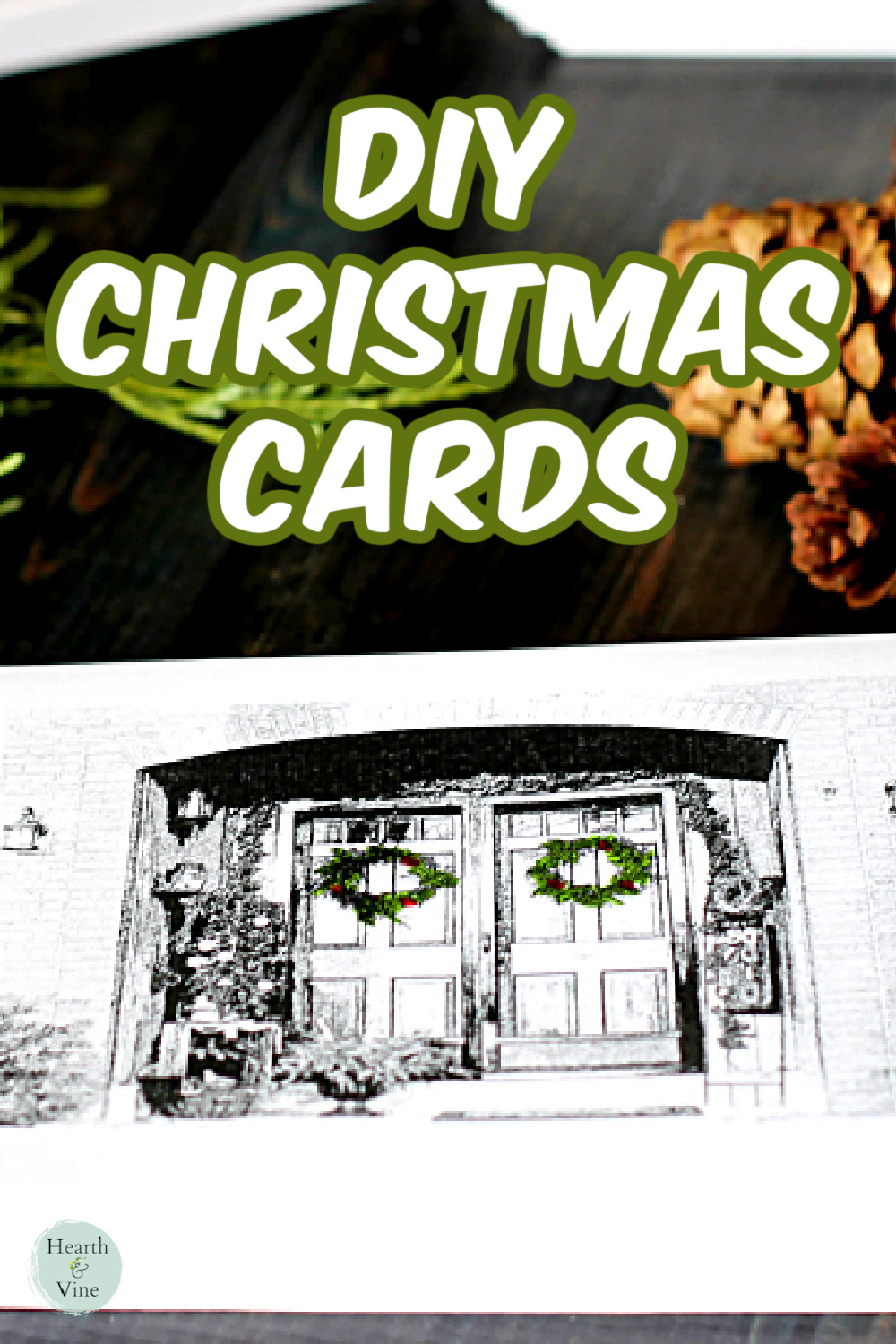
Learn how to make a Christmas card from a photo of your front door. You won't believe how easy it is to do, and how great the final product looks.
Years ago, a family member sent us a custom Christmas card that had a sketch of the front of their home with a red wreath. I always thought it was a unique idea, and it led me to try making my own Christmas card.
More Christmas Card Ideas
This post may contain some affiliate links (that means if you make a purchase after clicking a link, there’s no additional cost to you, but I will earn a very small commission) i.e. as an Amazon Associate, I earn from qualifying purchases. Click here to read my full disclosure policy.
Supplies
- Camera
- Computer
- Printer
- Paper Cutter
- Cardstock
- A4 Envelopes
- Markers optional
Making a Custom Christmas Card
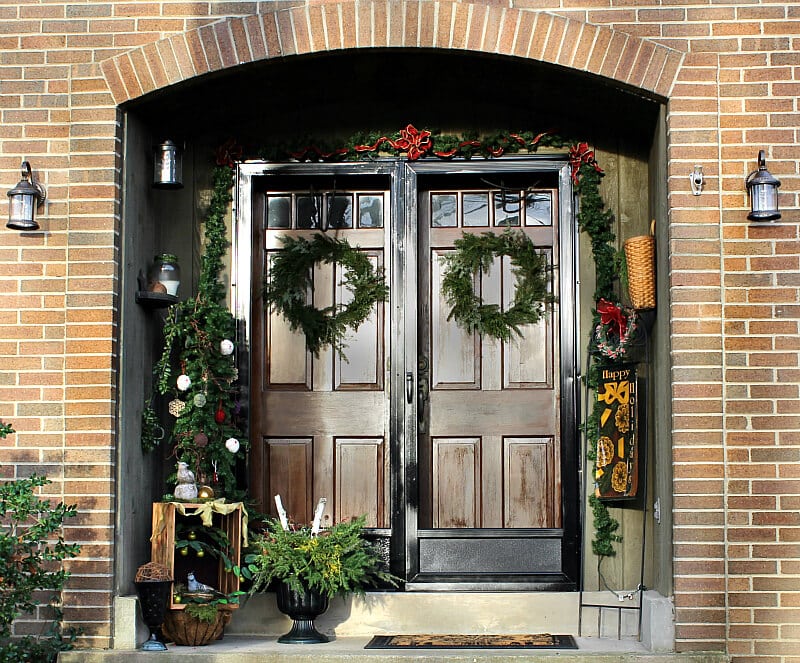
Step 1. Start with a photo of your front door, all dressed up for the holiday.
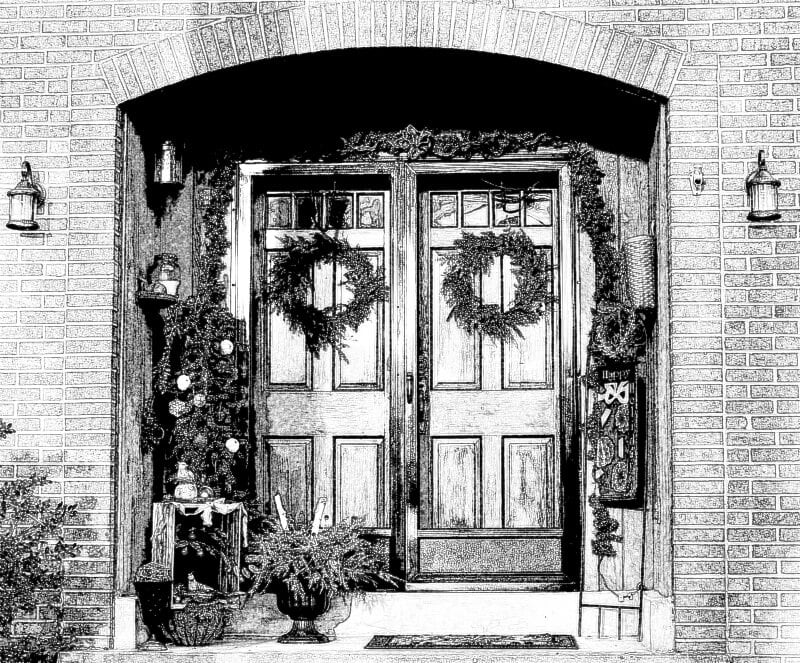
Step 2. Using a photo editor, turn it into a black and white sketch. I used this free online service: Picture to People. You can also use Canva, or AI apps like Colorify, or ChatGPT.
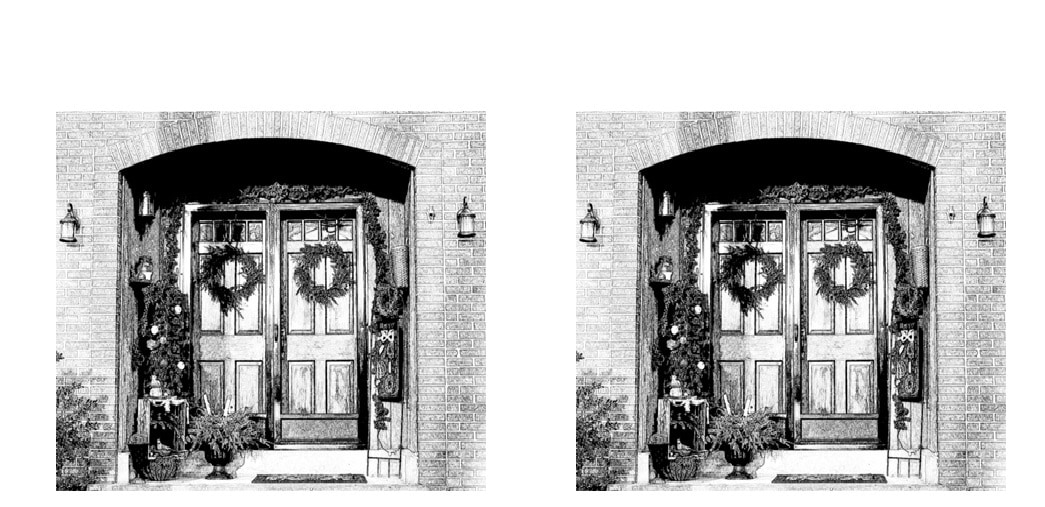
Step 3. Insert the image into Microsoft Word, Google Docs, or some other word processor.
You can create two cards per page by using a landscape layout. Make a copy of the image and size the photos to fit the bottom half of the page.
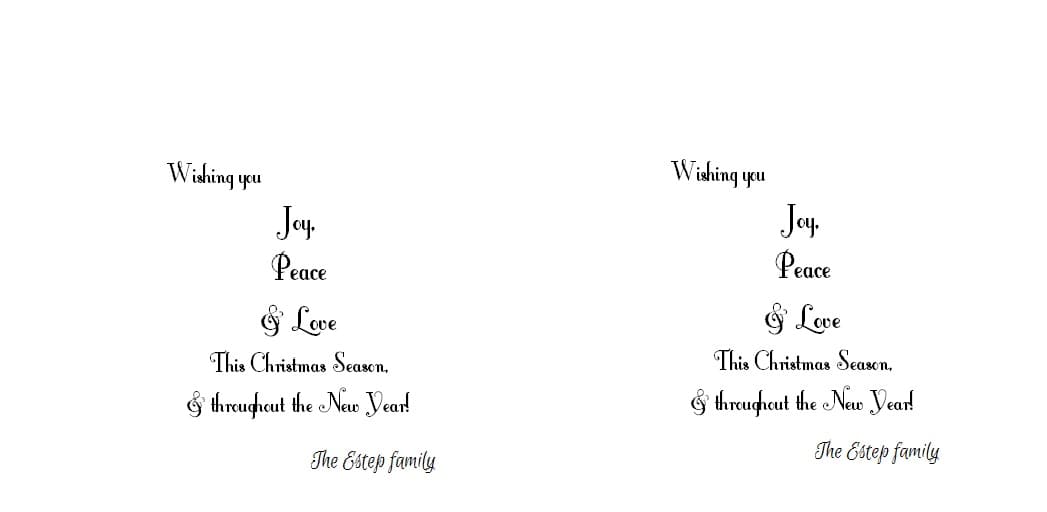
Step 4. On a second page, type your message for your holiday cards. Choose from different fonts like this fancy one or something clean and neat. Make sure that the message is positioned at the bottom half of the page as well.
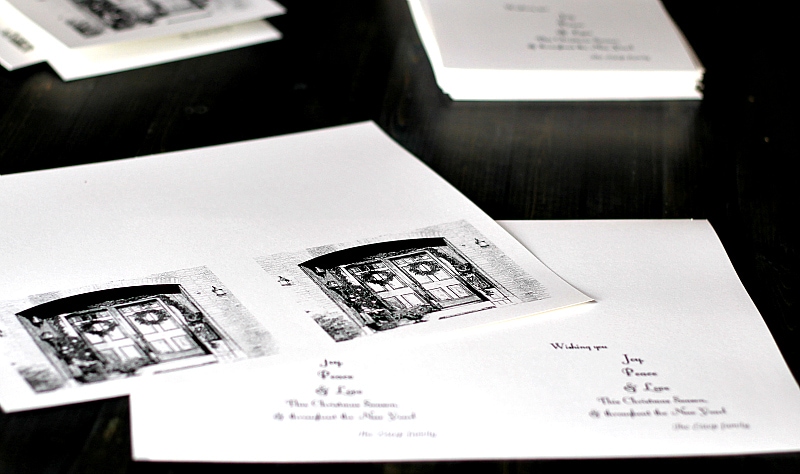
Step 5. Print out the two pages, and take them to an office supply store. Have them photocopy the images onto one page. The image on the front and the greeting on the back of the same page.
Note: You may be able to print on both sides of the paper from your printer. However, depending on how many cards you want to create, you may be better off using a commercial copier.
You can bring your own paper or buy some there. They typically have nice paper choices in the store. I picked up a pretty white metallic cardstock for this project.
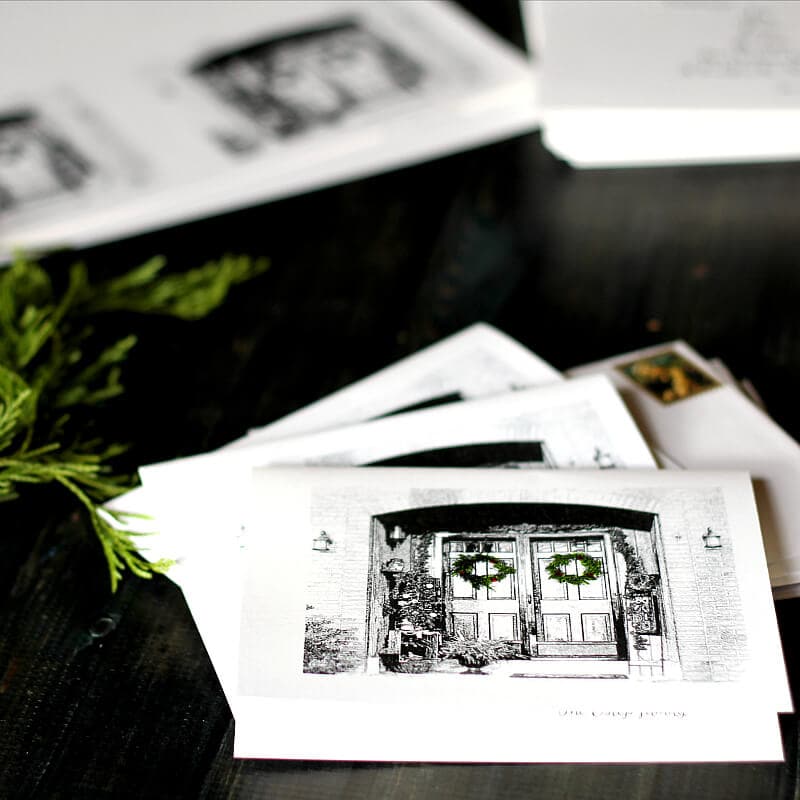
Step 6. My daughter added a final touch of green by using some markers to color in the wreaths, followed by dots of red for a pop of color.
Step 7. Cut your card in half and fold. They fit perfectly into standard A4 invitation size envelopes. We ended up with 100 cards, from 50 packs of cardstock, which was a little more than we needed, but I really like the way they turned out.
You could use any of your favorite photos for this project. Perhaps you would like to use your Christmas tree or a decorated mantel. The possibilities are many, and I hope you are inspired to try this idea with your own photos to spread good cheer for the holiday season.

DIY Custom Christmas Cards from Photos
Equipment
- Camera
- Computer
- Printer
- Paper Cutter
Materials
- Cardstock
- A4 Envelopes
- Markers optional
Instructions
- Take a picture of your decorated front door, Christmas tree, or other holiday decorations.
- Use a photo editor to turn the image into a black and white sketch. Something like Picture to People a free online service.
- Upload the sketch image into a word processor.
- Create two cards per page by using a landscape layout. Make a copy of the image and size the photos to fit the bottom half of the page.
- On a second page, type a greeting. Make sure that the greeting is positioned at the bottom half of the page as well.
- Print out the two pages and take them to an office supply store and have them copy the pages onto one page.
- Use a nice cardstock or buy one there and make copies of the double-sided images onto as many pieces of cardstock as you want.
- Use markers to accent the print if you want. We used a green marker to color in the wreaths and dots of red accents.
- Cut the paper in half and fold to make two cards for each piece.
- Stuff into A4 envelopes, address, and mail to all your friends.
Heather @ New House New Home
What a great idea, Patti! And they look beautiful! You could keep one copy to frame and display every year!
Patti
Thanks Heather. I love the framing idea too. Thanks. Merry Christmas!
Marie H
It's beautiful! And such a personal card.
Patti
Thanks Marie!
Kathy Estep
When I opened your Greeting card, I immediately recognized your front porch from other tutorials. Love the card! I may get Nikki to help me try this next year?
Patti
Awww,
Thanks Kathy.
You made my day! It really was easy. You should definitely do it!!